
Knight Maker1.06 - App Store
You'll be able to see results in few seconds.
Publisher Description
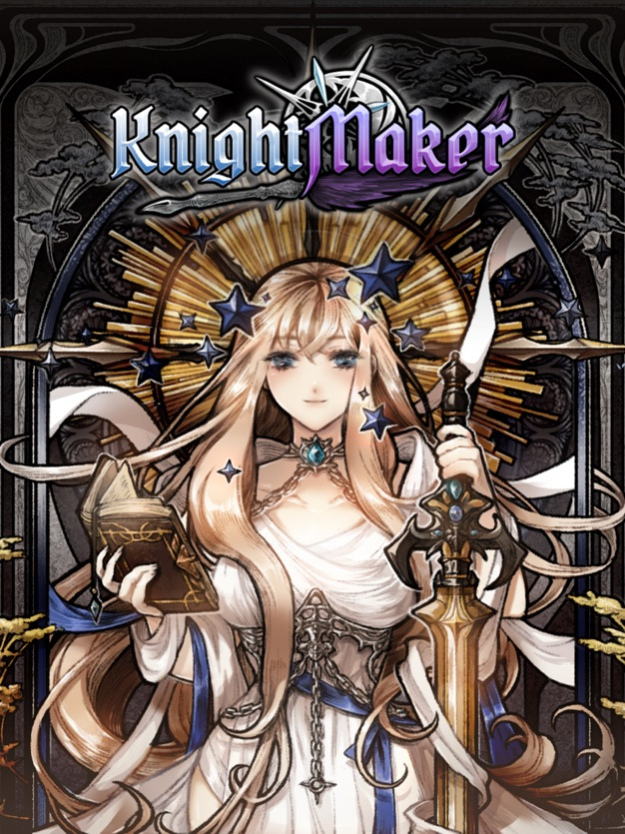
A novice blacksmith and a novice Swordstress pairs up for a successful business!
You, a novice blacksmith, suddenly have to take over you uncle's smithy.
With the help of the PR Swordstress he hired for the Smithy's publicity,
Run the Smithy with materials gathered from hunting grounds
And craft stronger equipments to challenge even more dangerous hunting grounds.
You and the Swordstress will have to work together
To make a successful business together as a team!
Game Features
- Hybrid Genre: Dating Simulation+Business Simulation+Auto RPG
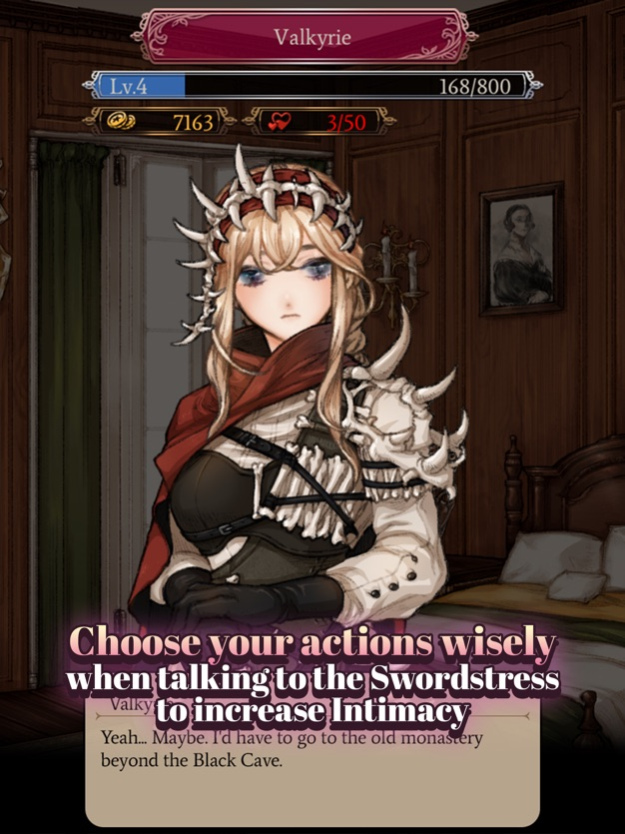
- Choose your actions wisely when talking to the Swordstress to increase Intimacy
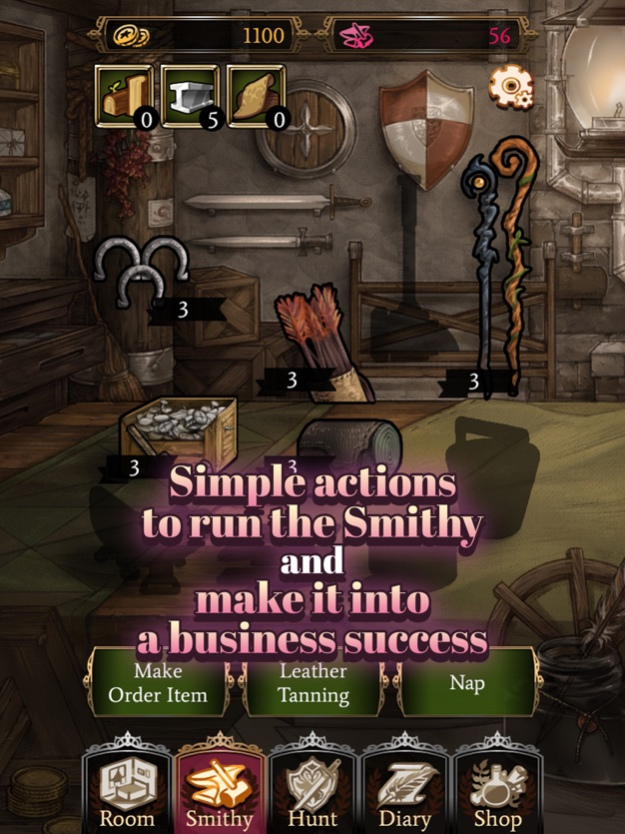
- Simple actions to run the Smithy and make it into a business success
- Craft various equipments by playing mini games
- Send the Swordstress to hunting grounds to gather materials
- Try different looks and stats depending on the equipments
- Multi-ending available depending on your Intimacy Rank with the Swordstress
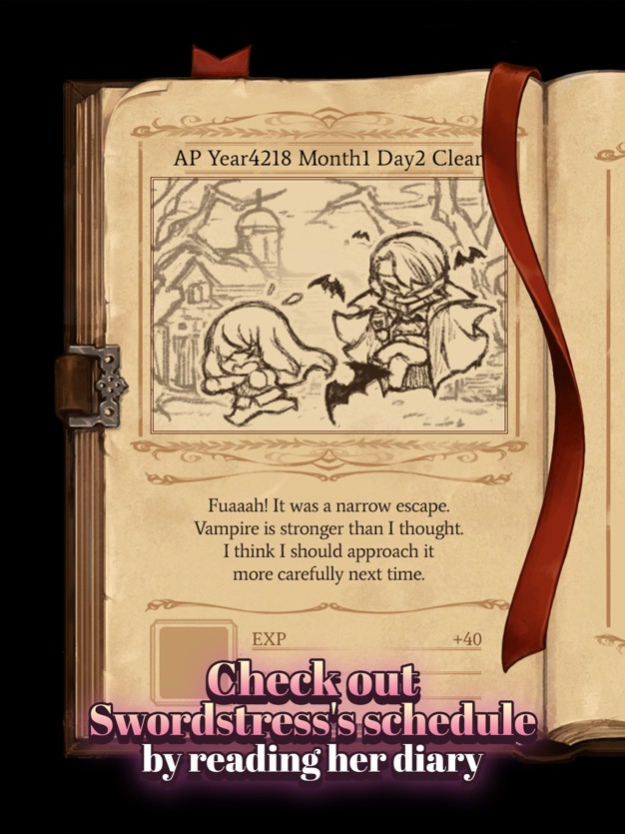
- Check out Swordstress's schedule by reading her diary
- Swordstress's hunting continues even with your phone off!
- Enter tournaments to compete with swordstresses from other smithies
- GameCenter leaderboards and achievements
- iCloud saving
- iMessage Stickers
Jan 31, 2018
Version 1.06
This app has been updated by Apple to display the Apple Watch app icon.
Major Bug Fixed
Increase product selling price
Change options for some items
About Knight Maker
The company that develops Knight Maker is Magic Cube. The latest version released by its developer is 1.06.
To install Knight Maker on your iOS device, just click the green Continue To App button above to start the installation process. The app is listed on our website since 2018-01-31 and was downloaded 0 times. We have already checked if the download link is safe, however for your own protection we recommend that you scan the downloaded app with your antivirus. Your antivirus may detect the Knight Maker as malware if the download link is broken.
How to install Knight Maker on your iOS device:
- Click on the Continue To App button on our website. This will redirect you to the App Store.
- Once the Knight Maker is shown in the iTunes listing of your iOS device, you can start its download and installation. Tap on the GET button to the right of the app to start downloading it.
- If you are not logged-in the iOS appstore app, you'll be prompted for your your Apple ID and/or password.
- After Knight Maker is downloaded, you'll see an INSTALL button to the right. Tap on it to start the actual installation of the iOS app.
- Once installation is finished you can tap on the OPEN button to start it. Its icon will also be added to your device home screen.
Program Details
System requirements
Download information
Pricing
Version History
version 1.06
posted on 2018-01-31
Jan 31, 2018
Version 1.06
This app has been updated by Apple to display the Apple Watch app icon.
Major Bug Fixed
Increase product selling price
Change options for some items
Disclaimer
Official App Store Link
We do not host Knight Maker on our servers. We did not scan it for viruses, adware, spyware or other type of malware. This app is hosted by Apple and passed their terms and conditions to be listed there. We recommend caution when installing it.
The App Store link for Knight Maker is provided to you by apps112.com without any warranties, representations or guarantees of any kind, so access it at your own risk.
If you have questions regarding this particular app contact the publisher directly. For questions about the functionalities of apps112.com contact us.
